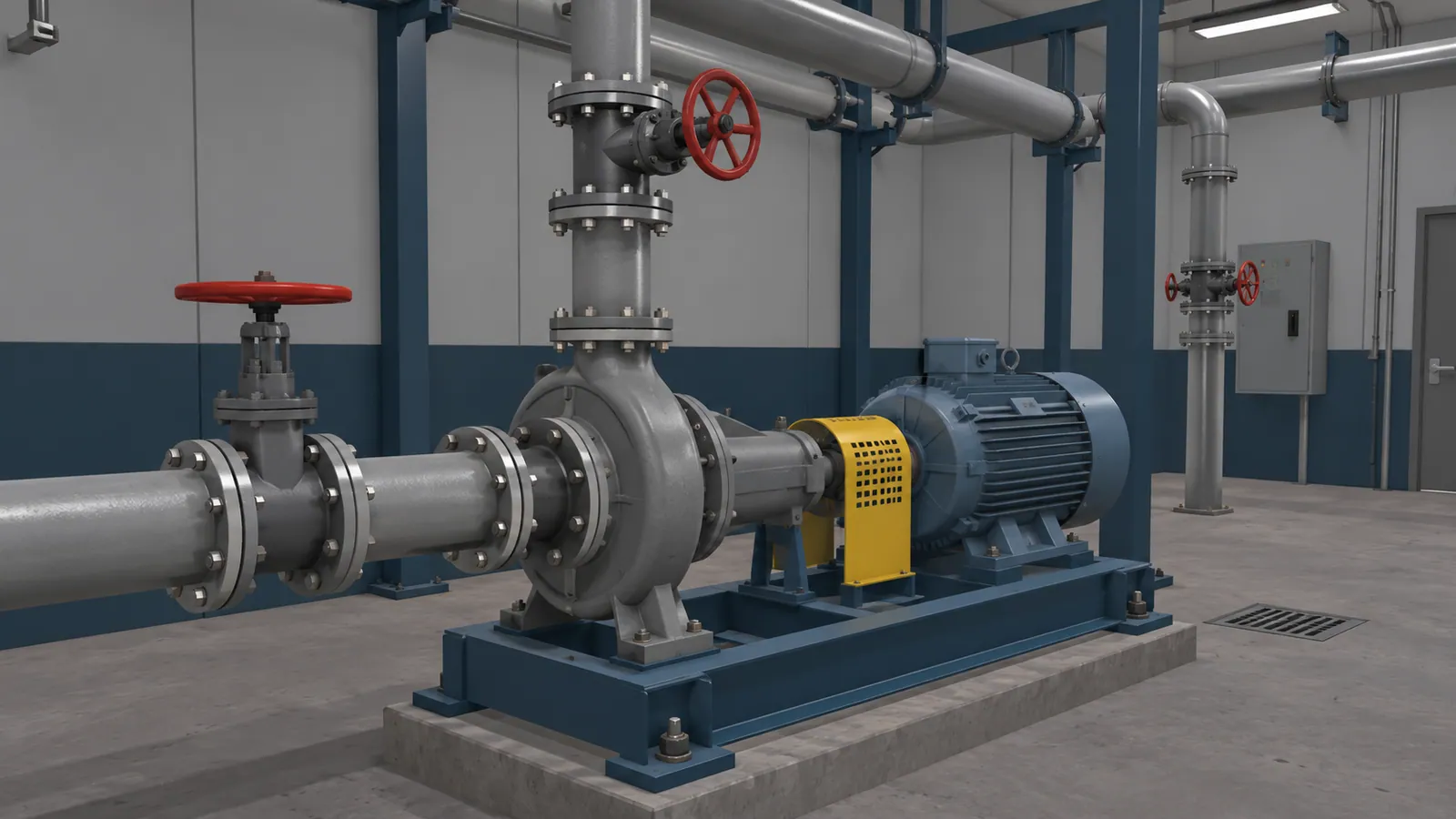
Match the format to the task
| What the learner needs to do | Format to consider first | When to choose something else |
|---|---|---|
| Read a rule, checklist or reference before work | Written instruction | Add a demonstration if the step is hard to picture. |
| Watch how an expert performs a visible action | Video or instructor demonstration | Add interaction if learners need to make decisions and receive feedback. |
| Identify parts and follow a sequence through a shared lesson link | Browser-based training | Use an installed application if the lesson needs capabilities or access arrangements that its browser version cannot provide. |
| Practise short inspection or procedure decisions on a phone or tablet | Mobile training | Choose a larger screen when small labels, detailed controls or several views need to stay visible. |
| Inspect a complex layout and practise decisions at a training computer | Installed PC training | A browser lesson may cover the same task. Consider VR if moving around the equipment is part of the practice. |
| Move around equipment and practise where to stand, look or reach during a procedure | VR training | Check headset access, comfort, supervision and deployment before committing. |
| Judge force, weight, tool feel or actual site conditions | Supervised hands-on practice | Use a simulation beforehand for orientation or sequence practice, if it helps. |
These are starting points. The choice depends on what learners must do afterwards and where they will train.
PC and mobile describe the device. Browser-based and installed describe how people open the training. A tablet can run a browser lesson or an installed app, and a PC can do either too. The controls and supported devices still need to suit the exercise.
When VR is useful
Use VR when learners need to turn, look or reach to understand where components sit in relation to one another. A screen can show the same layout, but may not help someone practise approaching a cabinet, inspecting an engine bay or moving around a large assembly. Ask the instructor which mistake spatial practice should help prevent. If there is no clear example, a headset may add setup without improving the lesson.
When real equipment is in use or difficult to bring to a classroom, VR can provide repeat practice. It can also cover rare or disruptive scenarios if the simulation can represent them faithfully and the site has enough headsets and supervision.
VR can help when the action itself is part of the lesson: choose a part, carry out a step, see the response, then decide what to do next. If assessment is included, the application can record simulated actions and results for instructor review. The exercise should match the training objective. For a simple sequence, web or desktop training may provide the same practice with less equipment to manage.
The excavator maintenance and driving trainer shows this kind of practice. Muhammad Faisal designed and built it in 2019 while working for a prior employer, which held the United Tractors School contract. The PC VR maintenance mode guides a learner through servicing an air filter with hand controllers, one action at a time.

Reduce the cost of repeated practice
Training on real equipment can consume fuel, materials, replacement parts and production time. Some procedures also require equipment to be stopped, prepared or reset for each learner.
Once a VR scenario is built, learners can repeat the simulated procedure without using the real machine or its practice materials. That can leave more equipment time available for production and supervised hands-on training.
Estimate which live practice sessions the simulation would replace and how often learners would use it. Compare the costs avoided with development, devices, support and updates. Extra practice alone does not create a cash saving.
Where VR fits with other training
Written instructions, video and supervised hands-on practice each support different parts of training. VR can sit between explanation and real-machine practice when learners need spatial rehearsal.
If learners mainly need to recognise components, choose between options or understand a fault sequence, consider a screen-based lesson. Simvra's interactive conveyor demo lets visitors find a fault, repair it and test the result with on-screen controls. The browser training guide explains how this kind of exercise can fit into a training programme.
A phone or tablet can suit a focused exercise with touch controls. Detailed diagrams and small inspection points may need a tablet or larger display. The mobile training guide covers that choice. An installed PC simulator can suit a dedicated training station, with its installation, updates and offline needs specified for the project.
For a task that learners only need to observe, a clear video or instructor demonstration may be enough. Training content should follow the approved procedure, and an equipment expert should check what it shows.
Physical skills such as tool grip, resistance, weight and local conditions need real equipment. A simulator can record actions in the exercise. Include a supervised practical check when the task depends on physical skills.
Test the decision on one real task
Bring the procedure, available equipment photos or drawings, the learner group and the person who approves the procedure. Define what learners should do after training and what the instructor will check. Then compare formats: Which decisions must learners make? Which physical relationships matter? What can only be checked on the real machine?
VR needs enough headsets, suitable space, a cleaning routine and whatever supervision the site requires. Installed applications need a way to distribute updates. Phone and tablet lessons need readable controls that work by touch. Browser lessons need compatible devices and network access unless offline use has been provided. Every format needs somebody to review the lesson when the procedure changes. Reporting and connections to your learning management system are separate choices.
A pilot is optional. For one representative procedure, it can show whether the interaction suits the task, what learners can practise and what still needs hands-on instruction. See Process for project scope and ownership terms.
The project-planning guide includes an example and a short checklist for turning a task into a brief.